Productivity · Planner
ToDo Journey
Events, tasks and habits on one screen
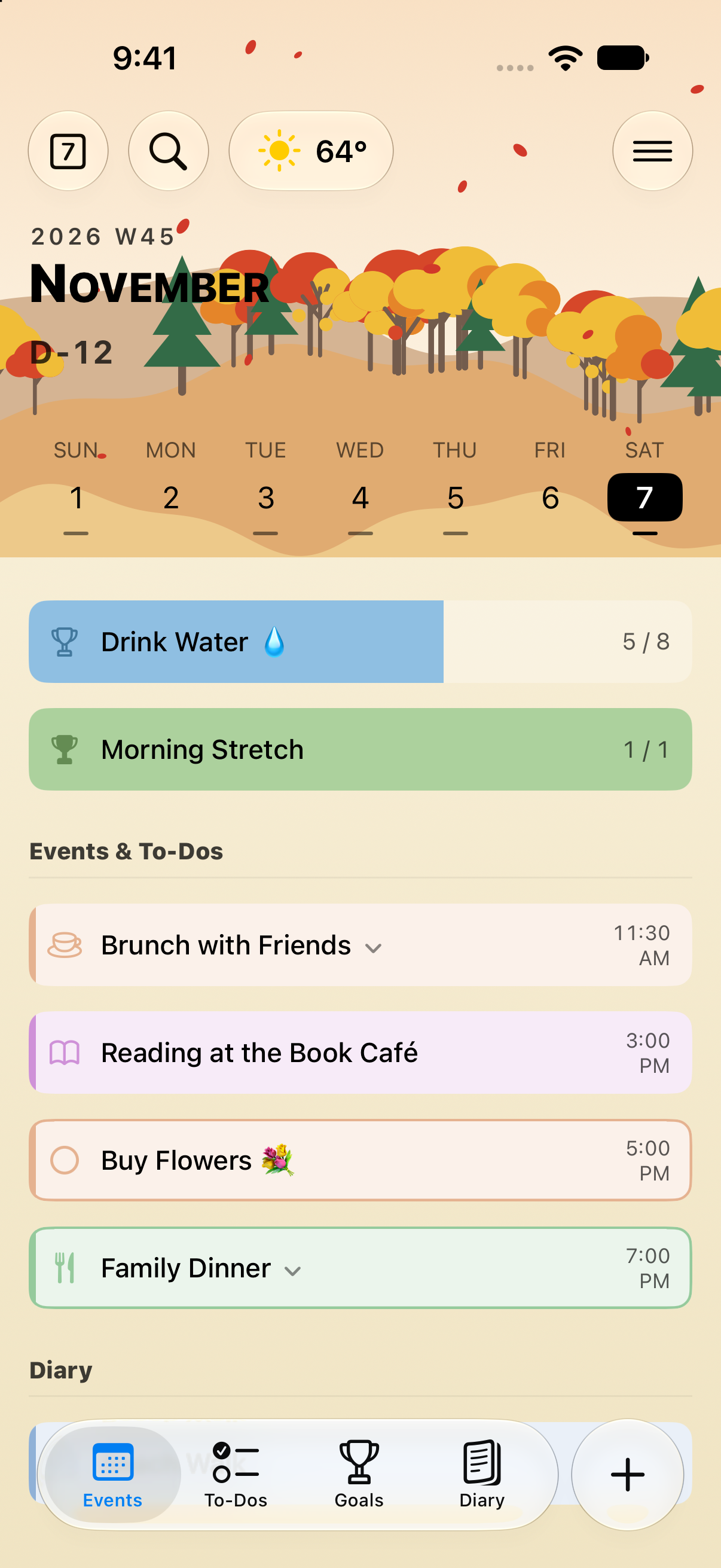
Every task today is a moment on a beautiful journey.
Small tasks, day after day, add up to a beautiful journey.
Make those moments with ToDo Journey.
Events and tasks, together
Syncs with Calendar and Reminders on your iPhone.
Habits worth keeping
Fill them in with a tap and keep track at a glance.
Days become a journey
Keep the moments that matter with Diary and Journey.
Events & tasks
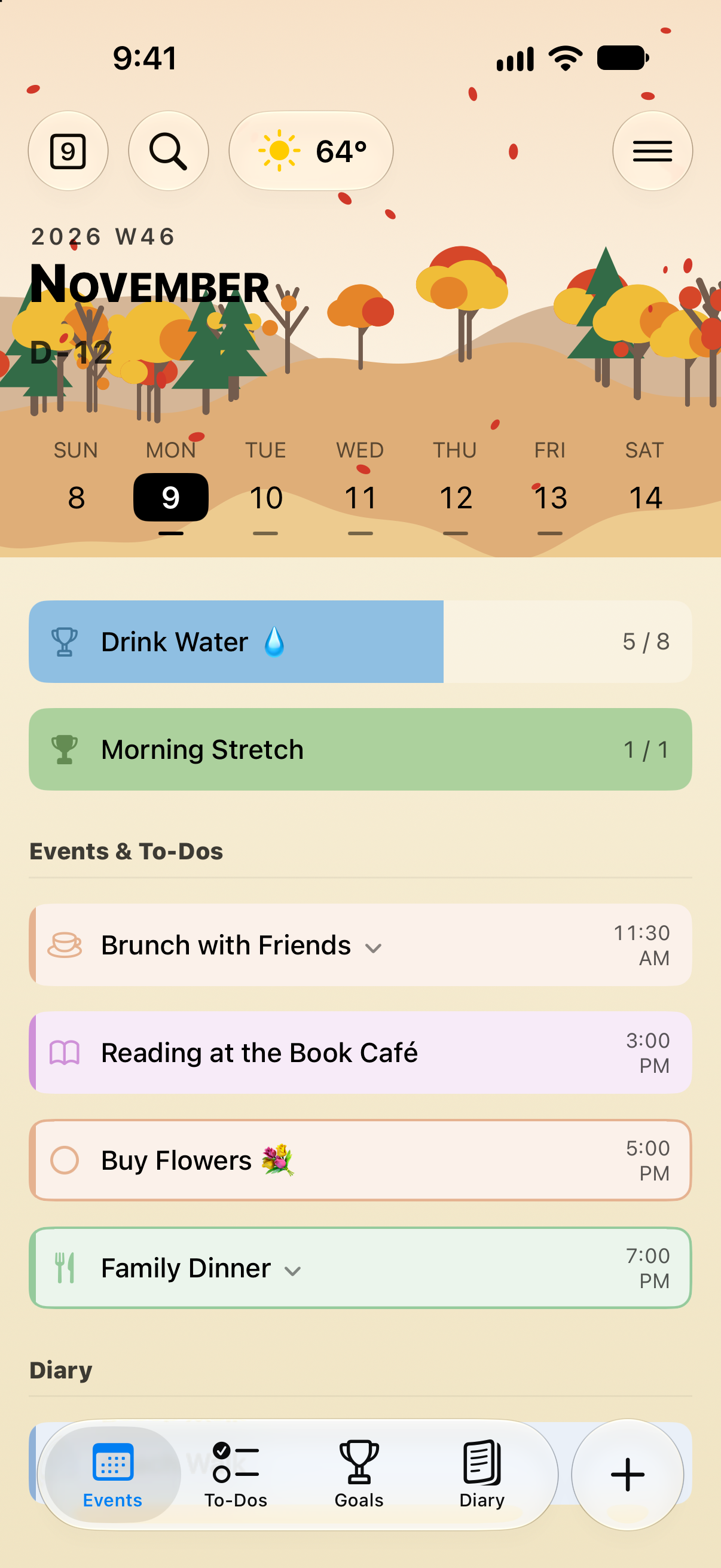
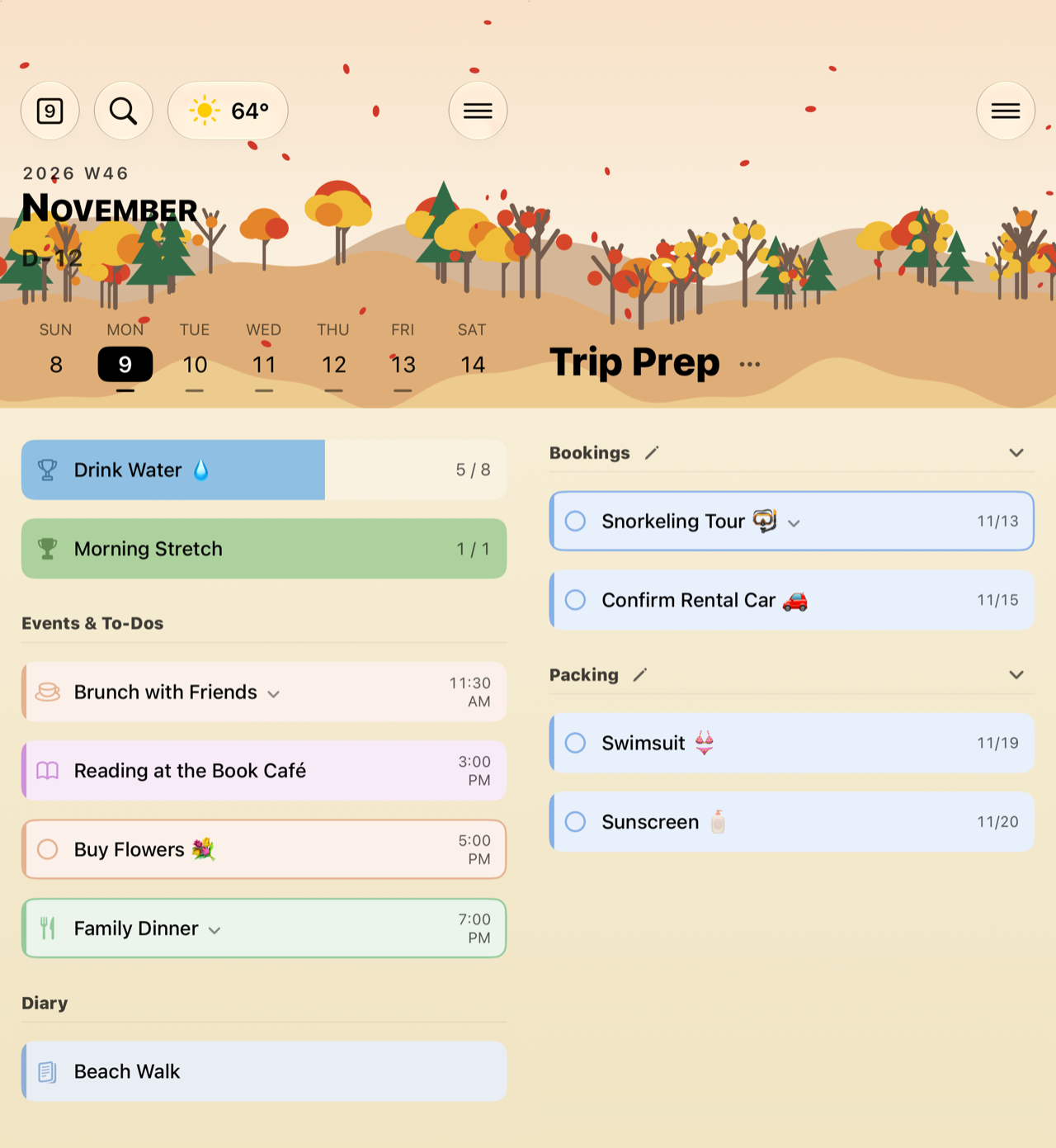
Events and tasks, together.
The schedule view shows each day’s events and tasks together, and your task list stays neatly organized into sections. Events and tasks sync with Calendar and Reminders on your iPhone.
Diary
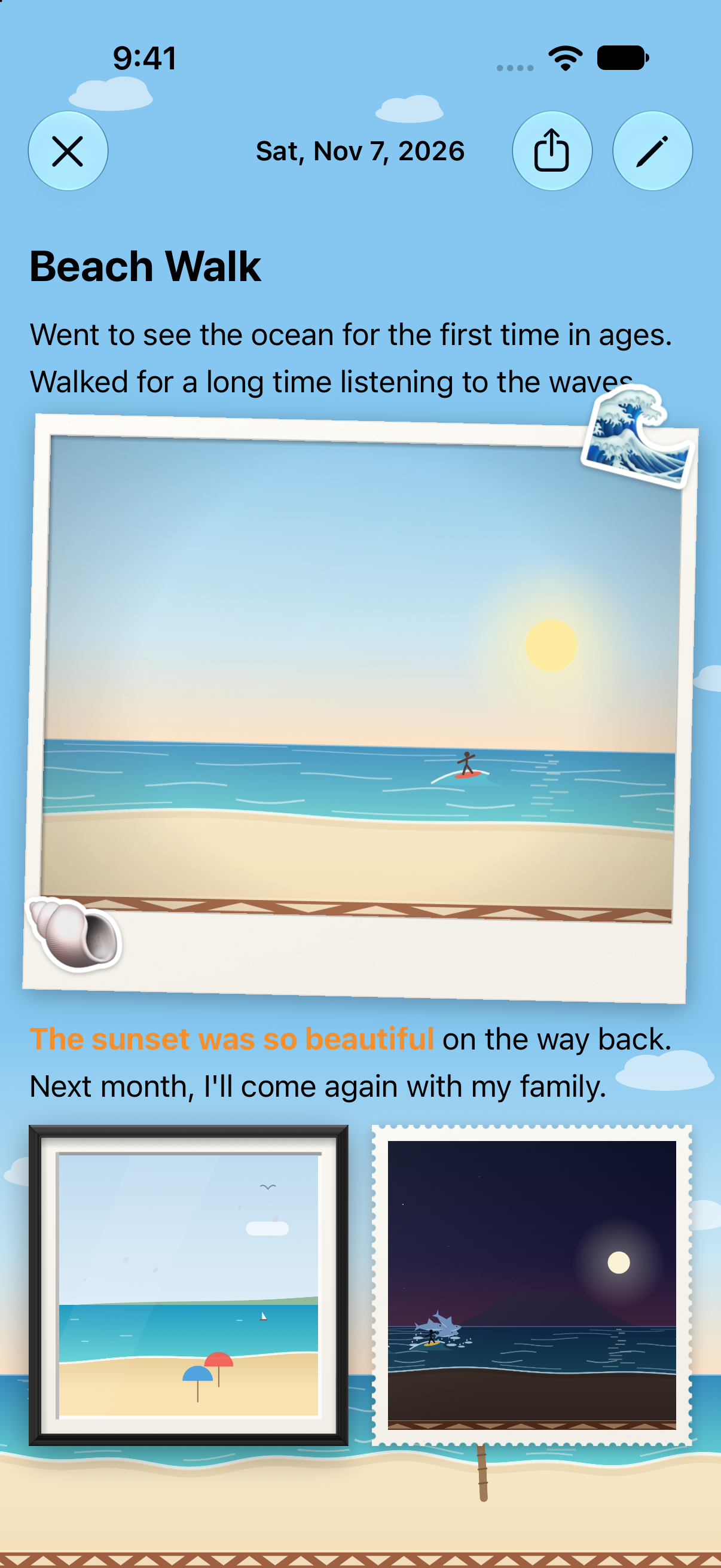
A day, in words and photos.
Write several entries a day and place photos between your words, styled as Polaroids, framed prints, or stamps. Change the font, size, and color of any text and add emoji stickers. Lock it with Face ID, and share entries as images or PDFs.
Habits & goals
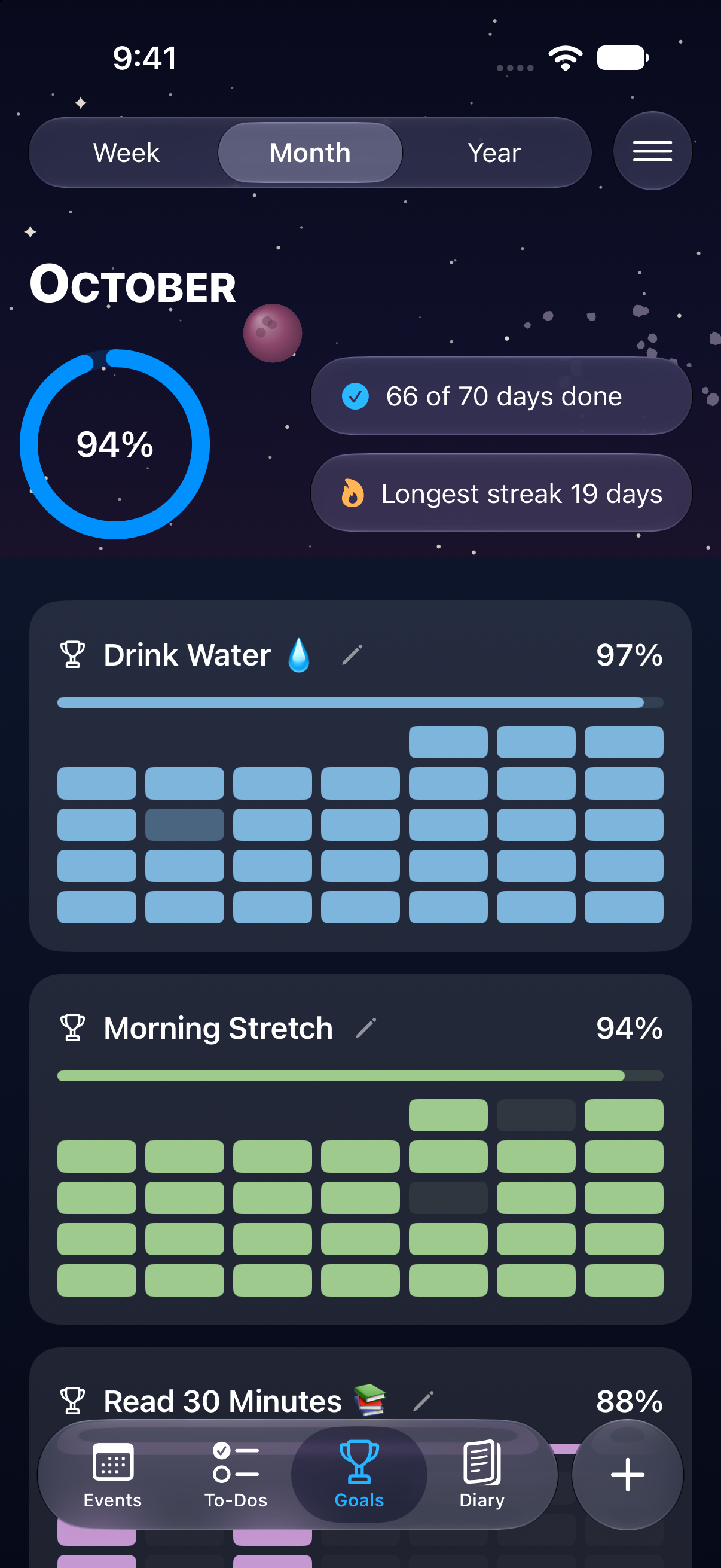
Habits that fill in with every tap.
Create habits like drinking water or walking, daily, on chosen weekdays, or every few days. Step counts fill in from the Health app, and the Goals tab shows weekly, monthly, and yearly completion rates and your longest streak.
Month view
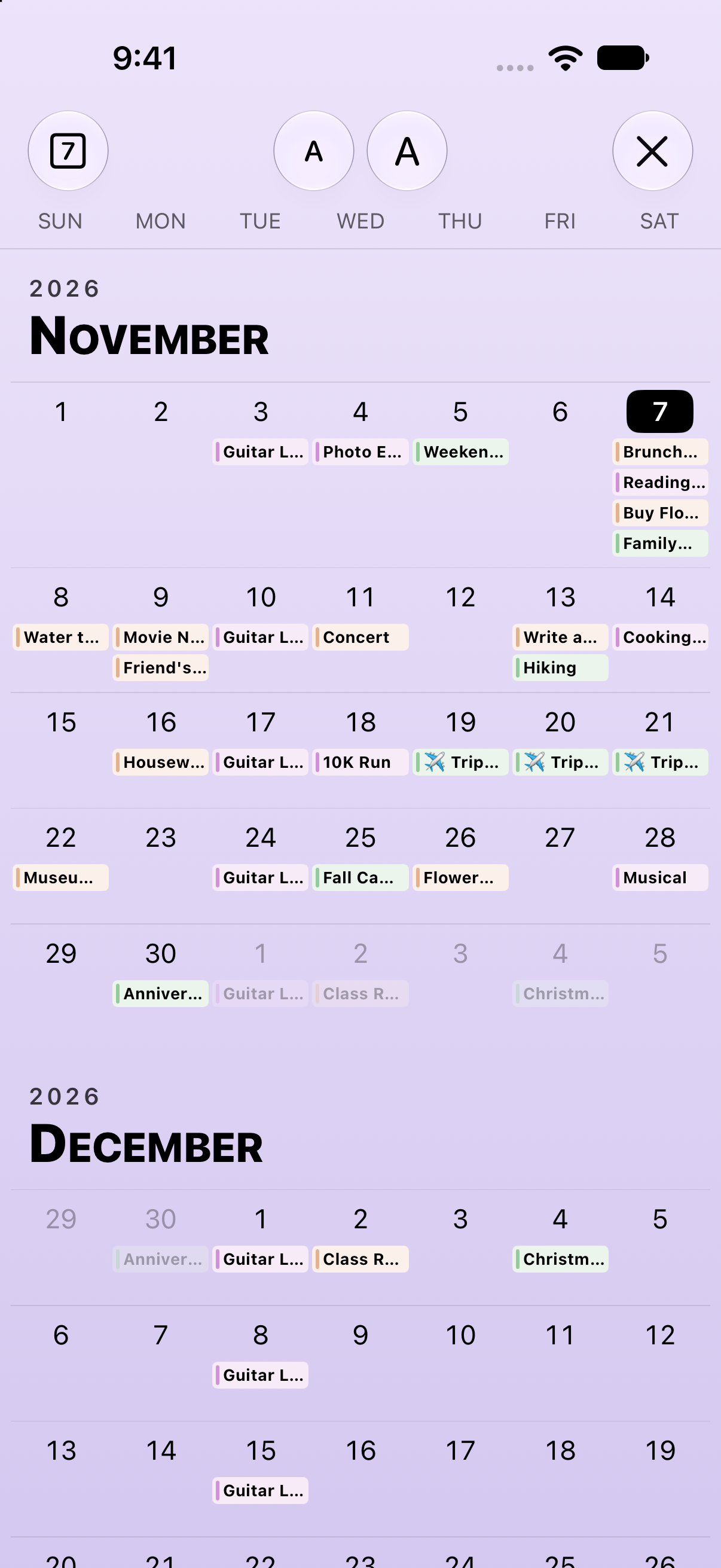
The whole month at a glance.
See a month of events and tasks at once in the monthly calendar, and jump straight to any date.
Your own themes
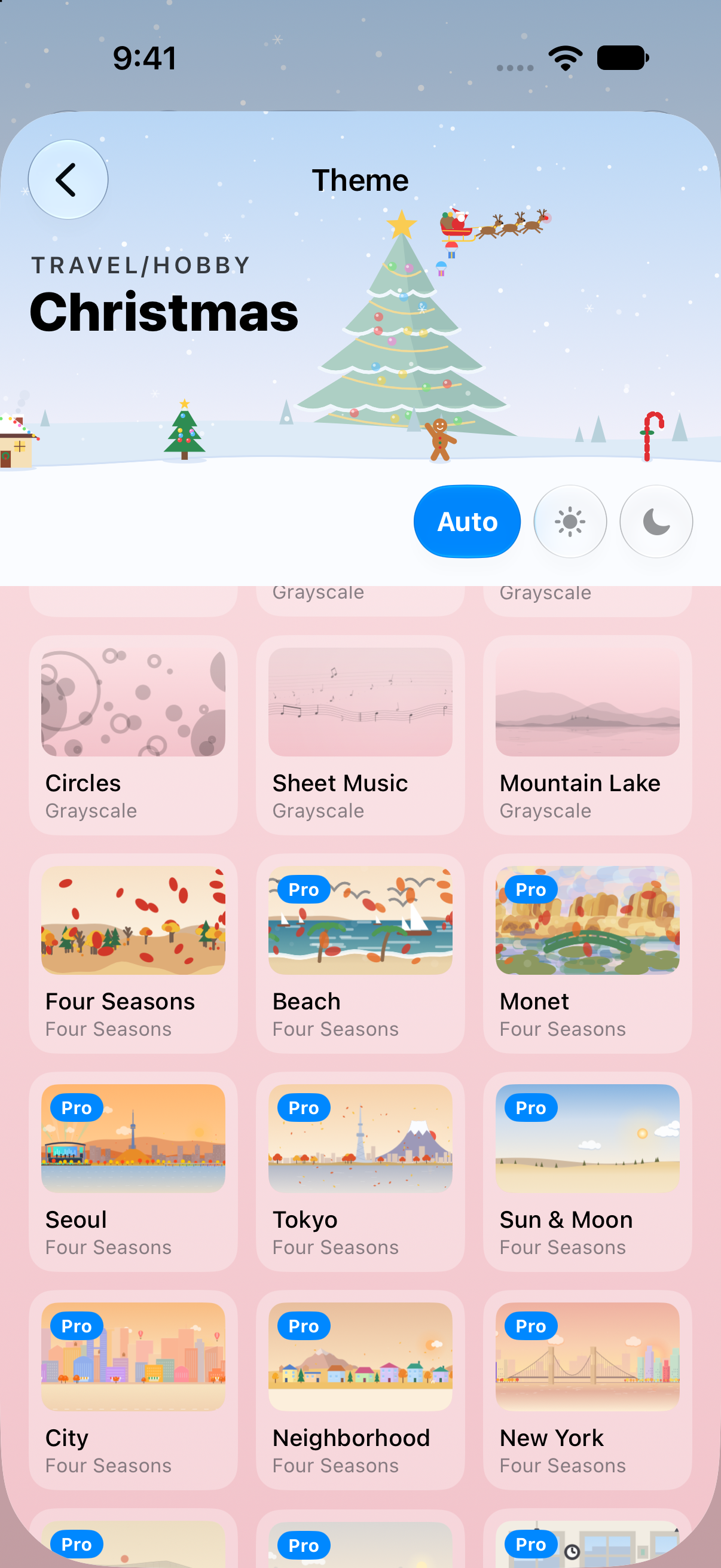
Header art that follows the seasons.
Make the planner your own with over 30 header images, including the four seasons, cities, travel, games, and leather diary covers, plus 14 background colors and 8 seasonal app icons.
Widgets
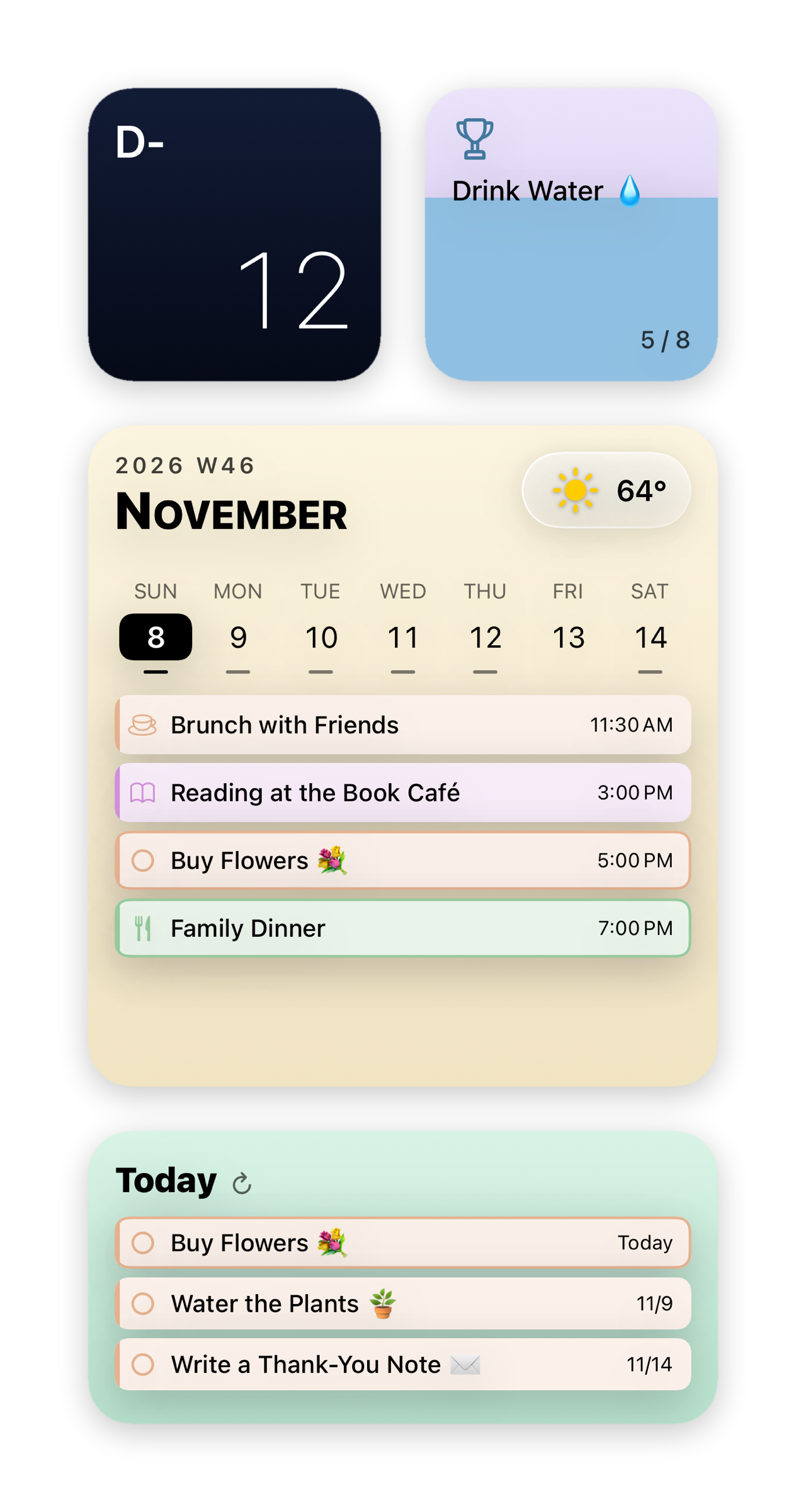
Right on your Home Screen.
Check your day without opening the app, with calendar dashboard, monthly calendar, reminders list, D-day, and habit widgets.
And more
Journey
Add more to the events and tasks you want to remember, then look back on them as if traveling again.
Shared habits
Use an invite code to share a habit with a friend and cheer each other on.
Cover & Face ID
Close the cover to hide your screen, and open it with Face ID.
iCloud sync
Sync between devices uses your own iCloud, and diary content is stored encrypted.
Free, and more with Pro.
Free
- Events, tasks, and search
- Monthly calendar
- Diary
- iCloud sync
- 1 habit and 1 Journey
ToDo Journey Pro
- Unlimited habits and shared habits
- All header images
- Unlimited Journeys and background music
- All widgets
The first 7 days are free, followed by a monthly or yearly subscription.
Your days are yours.
We collect no data, except a habit invite code and the habit’s title, not linked to you. No ads, no analytics tools. Calendar, Reminders, location (for weather), and step count are read only on your device, after you give permission.
Support
For questions, bug reports or feedback about ToDo Journey, please email us.
Including your device model and iOS version helps us help you faster.
My events or to-dos don’t appear
In the Settings app, go to Privacy & Security > Calendars (or Reminders) and give ToDo Journey Full Access. You can also check which calendars are shown in the app’s Settings > Choose Calendars.
How do I add a widget?
Touch and hold an empty area of the Home Screen, tap Edit > Add Widget, and find “To Do”. Widgets are available with ToDo Journey Pro.
How do I manage or cancel my subscription?
In the Settings app, go to Apple Account > Subscriptions and choose ToDo Journey Pro. A subscription renews automatically unless canceled at least 24 hours before the free trial ends.
How do I sync with my other devices?
Sign in to iCloud with the same Apple Account, and your settings, habits and Journeys stay in sync. Calendars and reminders sync through the accounts on your iPhone (such as iCloud).